Take control over AD-managed groups
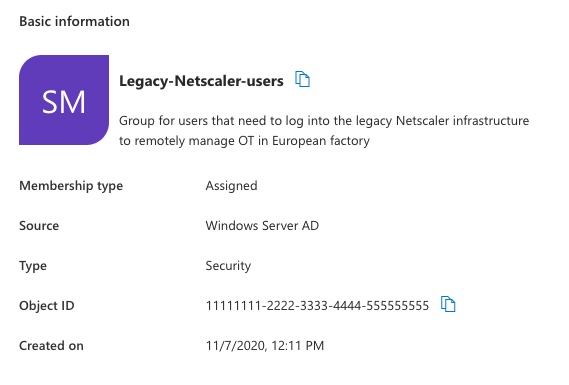
I am working through automating user onboarding at an Enterprise-size client from start to finish, and group memberships is one of the hurdles.
Although groups can be synced to Entra ID, the Source of Authority (SOA) is still the AD of the business unit. This can complicate management of group memberships, because membership for groups can only be modified at the source. This complicates automation, like user creation (including groups) and management.
However, automatically managing AD groups isn't impossible. There are several options that an organization can choose from, each with their own benefits and caveats. Those are:
- Enabling Group Writeback in Entra ID Cloud/Connect Sync
- Changing the 'source of authority' (SOA) of groups
- Using an Azure-based solution to send commands to local infrastructure
I'll go through the three options and guide you through the decision, with some bonus options at the end.